

 Bank payments
 Card payments
 Apple Pay / Google Pay
 POS terminals
 Buy Now, Pay Later
 Shipping+ and Shipping+ Pro
 Refunds
 Recurring payments
 Payment link
 Payments for accommodation businesses
 Payments for service businesses
 Donations
 Kniks gift card
 Merchant financing
New Shipment Manager – full control over your shipments in one dashboard
What if managing shipments didn’t mean juggling multiple delivery partners’ portals, endless browser tabs, and constant “Where is my order?” emails?
Good news is – it doesn’t have to be that way.
What started as a simple label printing tool has now evolved into a complete shipment control center. MakeCommerce´s Shipment Manager V2 brings all your delivery partners, orders, and tracking into one powerful dashboard.
Activate as many carriers as you need. Manage everything in one centralized system.
Simple. Efficient. Fully under your control.
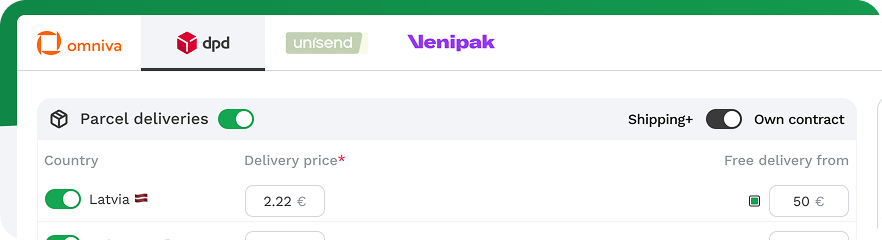
All your shipments in one place
In e-commerce, speed and transparency matter. Once a payment is completed, a new phase begins for your customer – waiting for their order. And this is exactly where trust is built or lost.
New shipment manager helps you stay one step ahead.
✔ Track orders in real time
✔ Detect delivery issues before your customer does
✔ Manage multiple carriers in one place
✔ Print shipping labels individually or in bulk
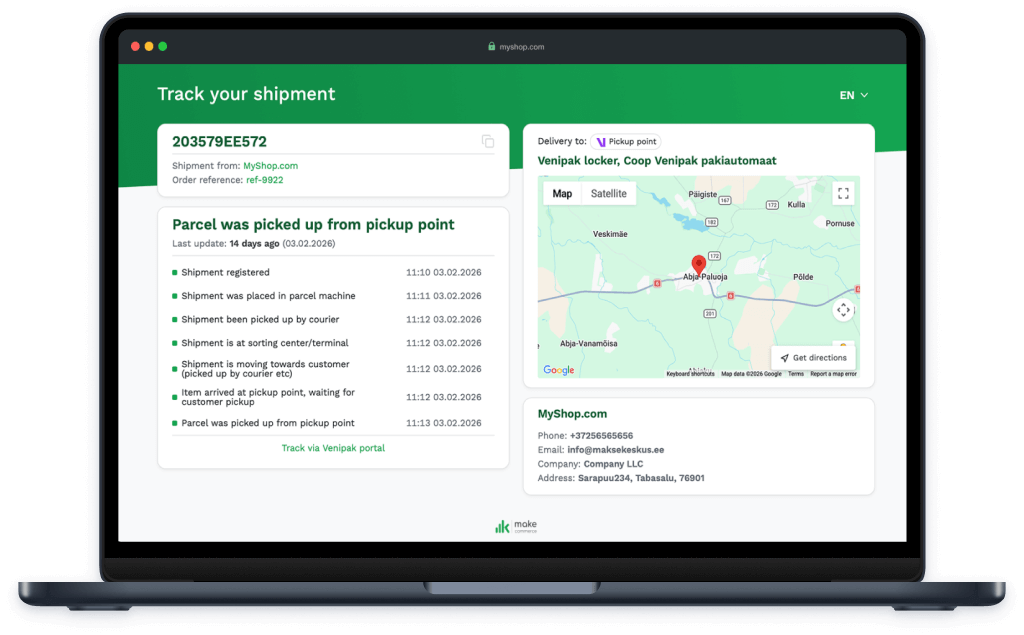
Seamlessly connected with our new tracking page
Shipment Manager V2 works seamlessly with our new tracking page, creating a clean and professional post-purchase experience for your customers.
The customer gets:
✔ Real-time delivery updates
✔ A clean, professional tracking experience
✔ Greater trust in your brand
When customers can easily track their order in a well-designed environment, everything feels under control.
How to get started
The new Shipment Manager is already available for merchants on WooCommerce and Wix, with support for additional platforms coming soon.
If you’re already using our latest Shipping+ module in Wix or WooCommerce, then the new manager is active automatically. No additional steps required.
Not using Shipping+ yet? Now is the perfect time to upgrade your shipping workflow:
👉 Install our Shipping+ module
👉 Activate your preferred carriers
👉 Start using Shipment Manager V2 right away
Fast setup and no unnecessary steps. Everything in one place.
If you have any questions or need assistance with the installation, our team is happy to support you every step of the way. Contact us at support@maksekeskus.ee.
