

 Bank payments
 Card payments
 Apple Pay / Google Pay
 POS terminals
 Buy Now, Pay Later
 Shipping+ and Shipping+ Pro
 Click to pay
 Refunds
 Recurring payments
 Payment link
 Donations
 Kniks gift card
 Merchant financing
 Payments for accommodation businesses
 Payments for service businesses
✓
Label printing
Generate and print shipping labels right in your Shopify admin – no separate carrier logins.
MakeCommerce brings local bank and card payments together with parcel locker and courier delivery, built natively into checkout and cart – fewer redirects, fewer abandoned orders, and zero monthly software fees for payments.
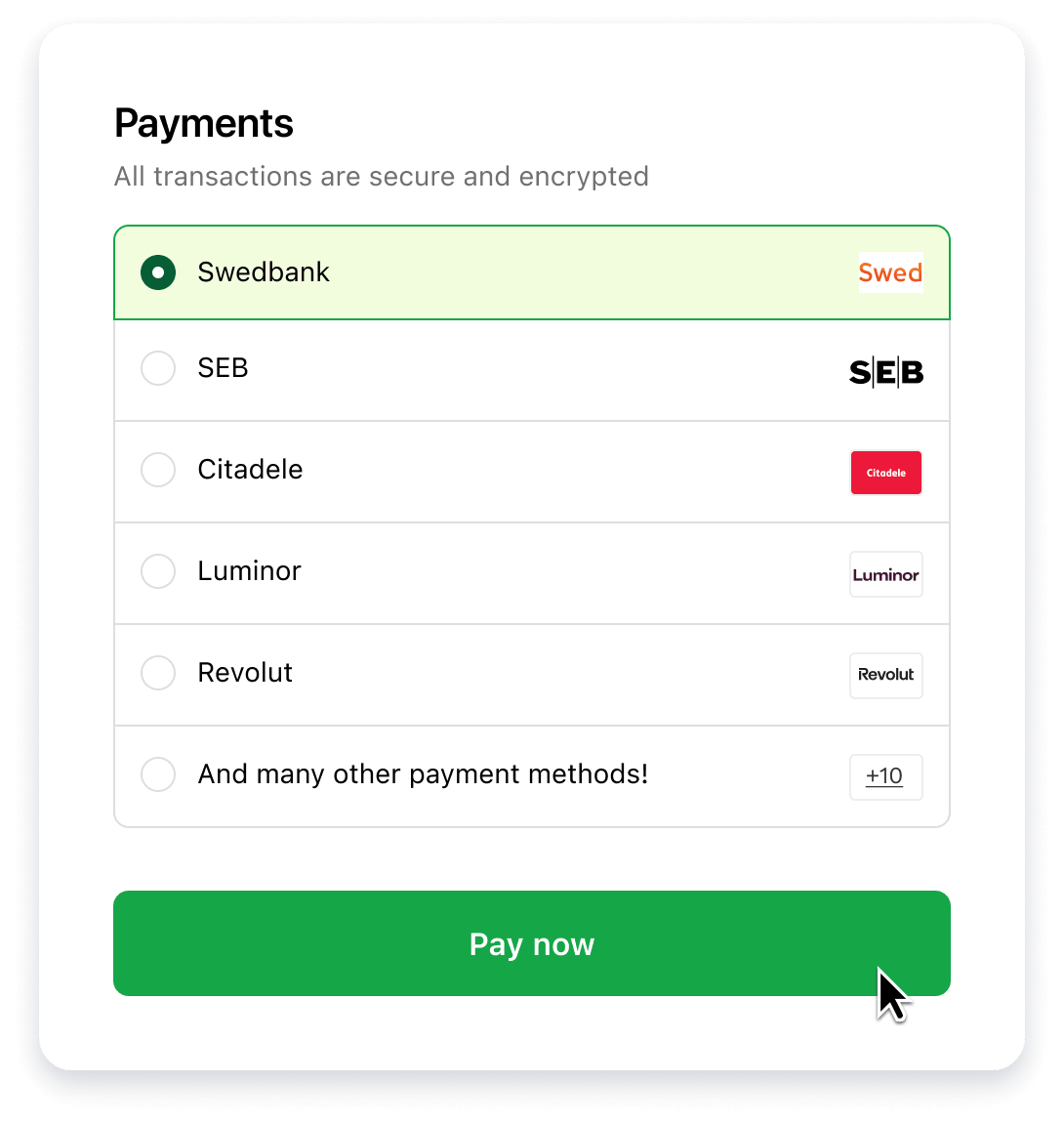
Upgrade your Shopify store with seamless bank and card payments built directly into the Shopify Checkout experience. Fewer clicks. Faster checkout. Higher conversions.
Available payment methods
Offer your customers the most trusted local and international payment methods – all integrated natively into Shopify.


The same integration that powers your payments also lets customers pick their delivery method right in the shopping flow – parcel locker, courier, or in-store pickup. For Baltic shoppers, seeing their local parcel locker there is often what turns a browsing session into a completed order.
Full shipment management
Customers choose their carrier right in the shopping flow, while MakeCommerce manages the shipment behind the scenes.


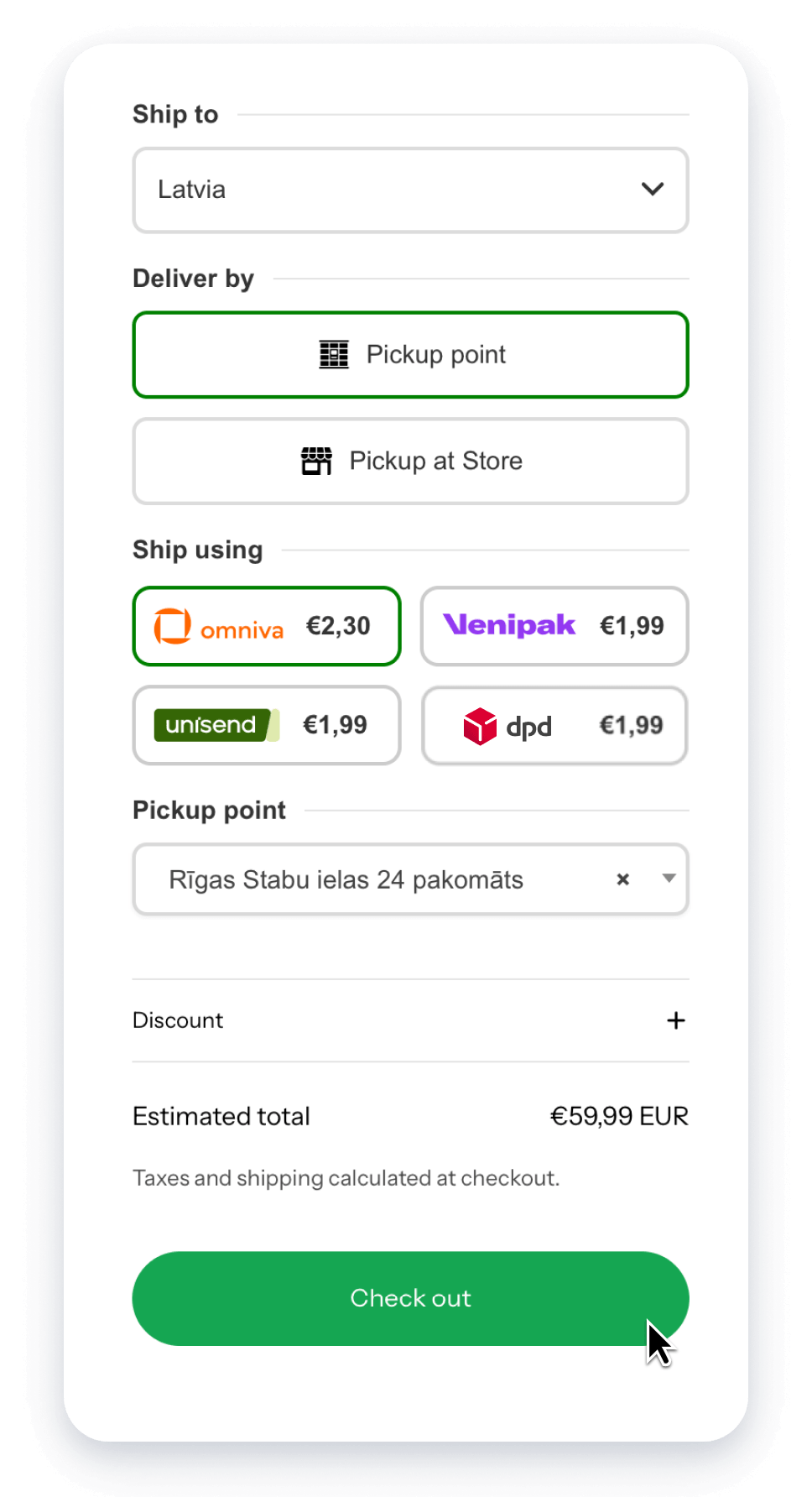
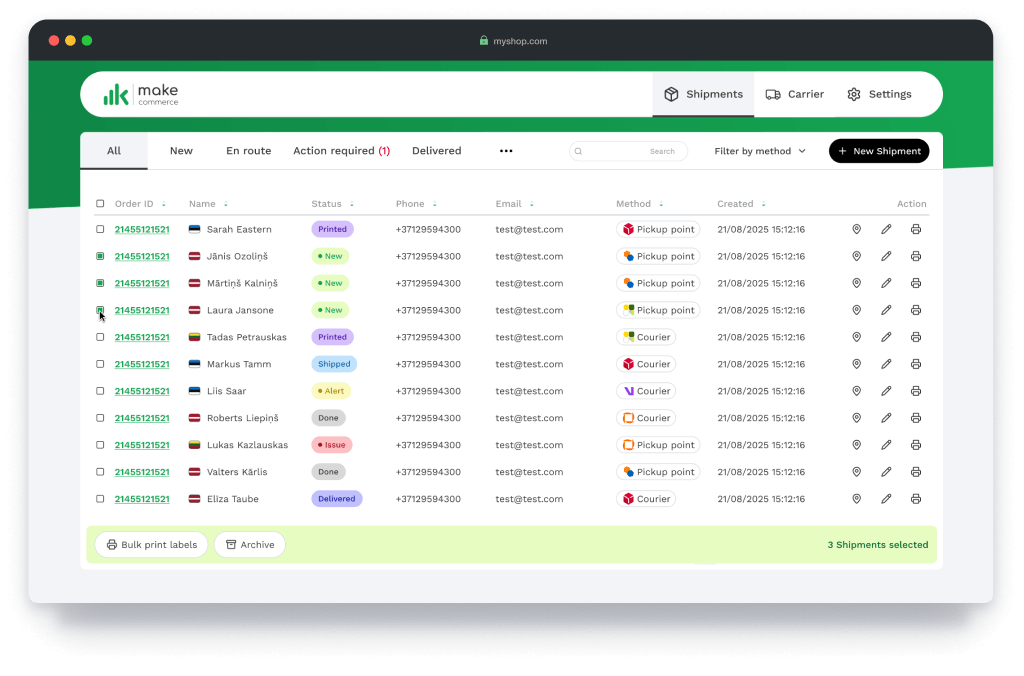
It’s not just carrier selection – Shipping+ handles registration, label printing, and tracking automatically, all in one dashboard. Deliveries start from 1.99€, with 0€ monthly fee.
Generate and print shipping labels right in your Shopify admin – no separate carrier logins.
See every shipment’s status in a single dashboard, with Shopify orders marked as fulfilled automatically.
Customers get tracking links automatically, so “where’s my order” isn’t your job.
Most Shopify stores stitch together a payment provider and a separate shipping app – each with its own setup, dashboard, and support line. MakeCommerce covers both from a single integration.
Payment methods appear natively in Shopify checkout, and delivery options are chosen right on the cart page. No redirects, no third-party pop-ups, fewer abandoned carts.
Questions about a payment or a parcel go to the same support team, instead of you juggling two vendors and two contracts.
Payments are billed per transaction, not per month. Delivery through Shipping+ also carries no monthly fee – you pay per shipment.
One onboarding covers both payments and delivery, so your store can go live accepting payments and shipping orders sooner.
From your first message to a live store, here’s exactly what happens.
Ask us a question and get a tailored offer, or go straight to the registration form if you’re ready to apply.
Our team reviews your details and sends over your MakeCommerce agreement to sign – no lengthy back and forth.
Add the payment method apps and the MakeCommerce Shipping+ app to your Shopify admin – each takes minutes. Need step-by-step help? See the setup guide.
Shopify requires each payment method – and the delivery module – to be installed as a separate app. Add the ones your store needs below; each install takes a couple of minutes. Need help? See the setup guide.
Delivery

Payment methods
Soon

Soon
Yes. Both are part of the same MakeCommerce integration for Shopify, set up and supported by one team – so you’re not managing a separate shipping vendor on top of your payment provider.
Shopify requires a separate app for each individual payment method that is being displayed in the checkout.
Apple Pay and Google Pay are supported through the MakeCommerce direct card payment module.
Because of how Shopify is built, these options work as part of card payments and aren’t shown as separate payment methods at checkout – so the Apple Pay and Google Pay logos don’t appear on their own.
Once the card payment module is activated, the corresponding payment options are offered to customers automatically.
If card payments aren’t active yet, check whether this service is connected. You can request card payments by contacting our customer support team.
Payment transaction fees depend on your agreement and selected payment methods. Contact us for a tailored offer.
See our pricing page: makecommerce.net/pricing.
Shipping+ uses MakeCommerce’s own delivery contracts and fixed parcel locker pricing, so you can start shipping without negotiating with carriers. Shipping+ Pro is for merchants who want to keep their own carrier contracts while still automating shipment registration, labels, and tracking through MakeCommerce.
Full details: makecommerce.net/service/shipping-and-shipping-pro.
We recommend starting with our step-by-step setup guide, which covers both payments and delivery. Still stuck? Our team is happy to help – contact us at makecommerce.net/contact.
If you’re already using or have installed the old MakeCommerce delivery app, you can upgrade to the newer Shipping+ via migration:
Fill out the form and we will get in touch with you shortly. We’ll answer your questions, explain the options, and help you choose the best payments and delivery setup for your Shopify store.
Boost conversions with payments and delivery, built into Shopify – 0€ monthly fee.